

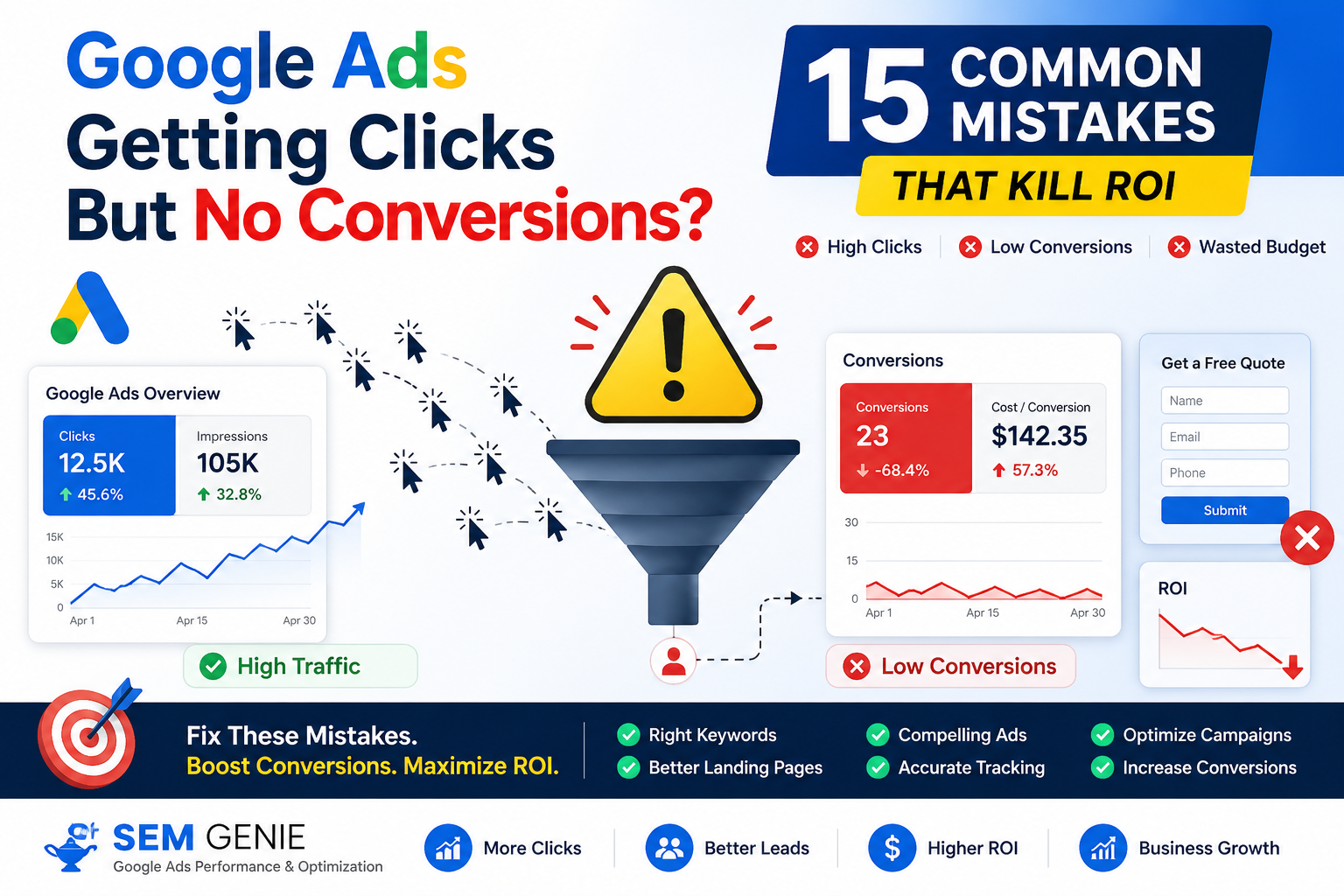
Are your Google Ads generating clicks but not producing leads or sales?
This is one of the most common frustrations advertisers face. Many businesses assume that more clicks automatically lead to more conversions. In reality, successful Google Ads campaigns depend on several factors working together, including keyword targeting, ad copy, landing pages, user experience, and conversion tracking.
If you’re spending money on Google Ads but not seeing the results you expected, one or more of these common mistakes could be holding your campaigns back.
Let’s explore the 15 most common reasons Google Ads campaigns fail to convert and how to fix them.
Common Reasons Why Your Google Ads Are Not Converting
1. You’re Targeting the Wrong Keywords
Keywords determine who sees your ads.
If your keywords are too broad or unrelated to your offer, you’ll attract visitors who have no intention of becoming customers.
Example
Someone searching:
- “What is Google Ads?”
- “Google Ads tutorial”
is likely looking for information rather than professional services.
Solution
Focus on high-intent keywords that indicate buying or hiring intent.
2. You’re Not Using Negative Keywords
Negative keywords prevent your ads from showing for irrelevant searches.
Without them, your budget may be wasted on unqualified traffic.
Common Negative Keywords
- free
- jobs
- training
- course
- internship
- salary
Review your Search Terms Report regularly and add negatives as needed.
3. Your Landing Page Doesn’t Match the Ad
Visitors expect the landing page to deliver exactly what the ad promised.
When there is a disconnect between the ad and the landing page, conversion rates often suffer.
Solution
Ensure your landing page message aligns closely with your ad copy and keywords.
4. Your Offer Isn’t Compelling
Sometimes the problem isn’t the traffic.
It’s the offer.
Ask yourself:
- Why should someone choose you?
- What makes your offer unique?
- What value are you providing?
A strong offer can significantly improve conversion rates.
5. Your Website Loads Too Slowly
Slow websites frustrate users.
Many visitors leave before the page even finishes loading.
Solution
Improve:
- Hosting performance
- Image optimization
- Page speed
- Mobile responsiveness
Every second matters.
6. Conversion Tracking Is Broken
If tracking isn’t configured correctly, you may not know what’s actually working.
Many advertisers assume campaigns are failing when conversions simply aren’t being recorded.
Check:
- Form submissions
- Phone call tracking
- Purchase tracking
- Thank-you page tracking
7. Your Mobile Experience Is Poor
Most Google Ads traffic now comes from mobile devices.
A landing page that looks fine on desktop may perform poorly on mobile.
Review:
- Mobile layout
- Button placement
- Form usability
- Loading speed
8. You’re Relying Too Heavily on Broad Match Keywords
Broad match can be useful, but it can also attract irrelevant searches.
This often leads to:
- Higher costs
- Lower conversion rates
- Poor lead quality
Solution
Combine broad match with:
- Negative keywords
- Search term monitoring
- Smart bidding strategies
9. Your Ad Copy Isn’t Persuasive
Even if users click, weak messaging can reduce trust and purchase intent.
Good ads clearly communicate:
- Benefits
- Differentiators
- Value proposition
- Call to action
10. You’re Targeting the Wrong Locations
Location targeting plays a major role in campaign performance.
Showing ads in locations where you don’t operate often leads to wasted spend.
Solution
Review:
- Countries
- Regions
- Cities
- Radius targeting
Exclude irrelevant locations.
11. You’re Optimizing for the Wrong Goal
Not every conversion action has the same value.
Some advertisers optimize for:
- Page views
- Time on site
- Button clicks
Instead of actual business outcomes.
Focus on:
- Leads
- Sales
- Qualified inquiries
- Revenue
12. Your Budget Is Too Small
Some industries have highly competitive keywords.
A limited budget may prevent campaigns from generating enough data for optimization.
Signs
- Campaigns stop early in the day
- Limited impressions
- Low conversion volume
Budget alone won’t solve every problem, but insufficient budget can restrict performance.
13. You’re Making Too Many Changes
Google Ads needs time to collect data.
Frequent changes can disrupt learning and make performance analysis difficult.
Avoid
- Daily bid changes
- Constant budget adjustments
- Frequent campaign restructuring
Make changes strategically and allow time for evaluation.
14. You’re Ignoring Search Terms
Your Search Terms Report reveals exactly what users searched before clicking your ad.
This report often uncovers:
- Irrelevant traffic
- Negative keyword opportunities
- High-converting search terms
Review it regularly.
15. You’re Not Testing Anything
Many advertisers launch campaigns and never test improvements.
Testing is essential for long-term growth.
Test:
- Headlines
- Descriptions
- Landing pages
- Calls to action
- Offers
- Forms
Small improvements can produce significant gains over time.
Quick Conversion Improvement Checklist
Before increasing your Google Ads budget, verify that:
✅ Keywords are relevant
✅ Negative keywords are updated
✅ Landing pages match ads
✅ Mobile experience is optimized
✅ Conversion tracking is working
✅ Search terms are reviewed regularly
✅ Ads are being tested
✅ Campaign goals align with business objectives
Final Thoughts
Google Ads can be an incredibly effective marketing channel, but success requires more than simply generating clicks.
When campaigns fail to convert, the issue is often related to targeting, messaging, user experience, or tracking rather than the platform itself.
By identifying and correcting these common mistakes, you can improve lead quality, increase conversion rates, and maximize your advertising return on investment.
Need Help Improving Google Ads Performance?
If your campaigns are generating traffic but not producing leads or sales, a professional audit can help uncover the root cause.
A detailed Google Ads review can identify:
- Wasted ad spend
- Conversion bottlenecks
- Landing page issues
- Tracking errors
- Optimization opportunities