

Introduction
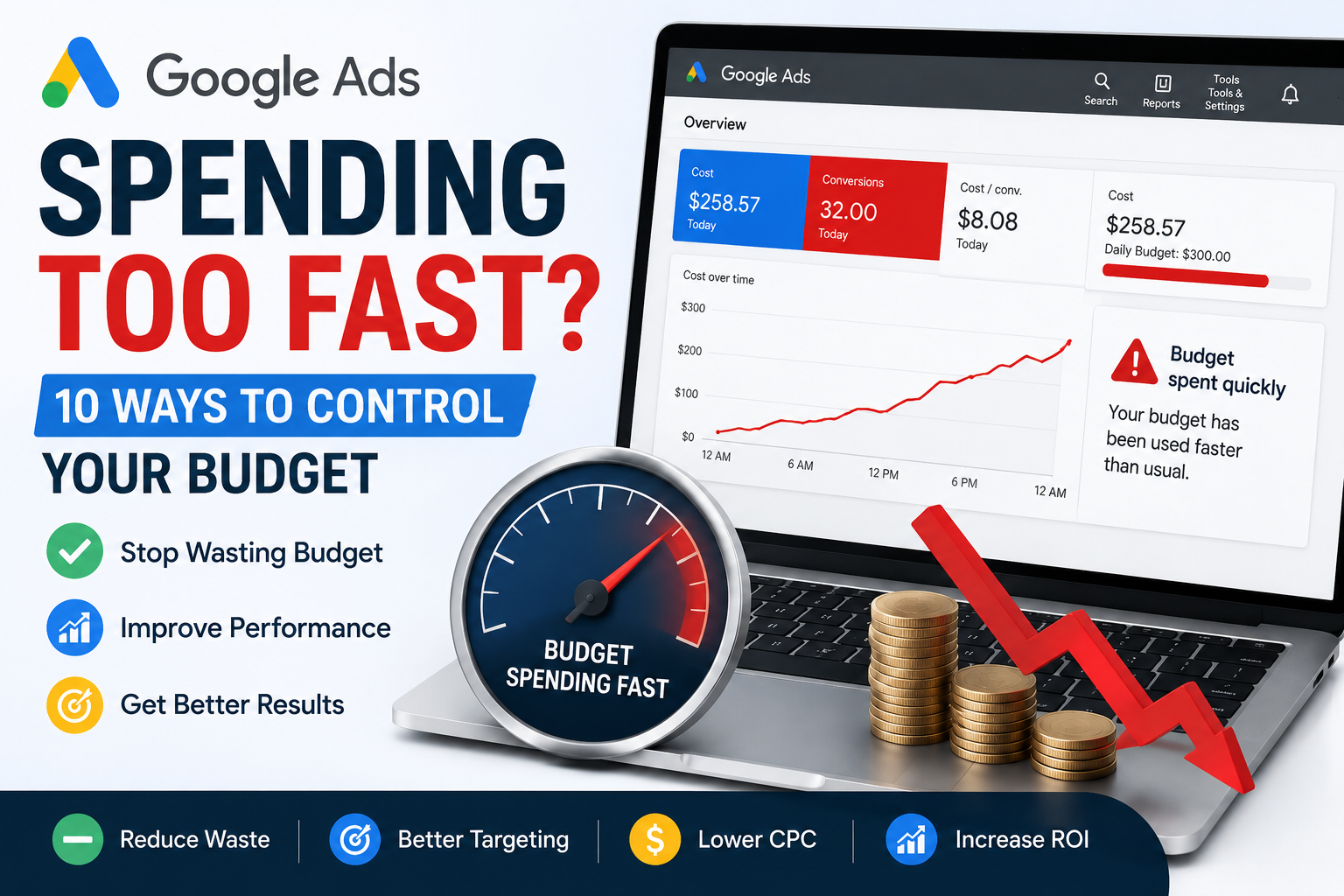
Google Ads Spending Too Fast? If your daily budget disappears within a few hours, you’re not alone. Many advertisers notice their campaigns spending faster than expected and assume something is wrong. In reality, rapid spending can result from high search demand, expensive keywords, broad targeting, or campaign settings. This guide explains why it happens and how to control your budget without sacrificing valuable traffic.
Why Are My Google Ads Spending Too Fast?
Google Ads doesn’t necessarily spend your budget evenly throughout the day. Instead, Google tries to show your ads whenever it predicts the highest chance of achieving your campaign goals.
Common reasons include:
- High search volume
- High Cost Per Click (CPC)
- Broad keyword targeting
- Competitive industries
- High daily budget
- Automated bidding
- Poor campaign structure
Is Fast Spending Always Bad?
Not necessarily.
If your campaign is generating profitable conversions, spending your budget quickly may simply mean there is strong demand.
However, if you’re paying for irrelevant clicks or poor-quality traffic, your budget may be wasted before reaching potential customers later in the day.
10 Ways to Control Your Google Ads Budget
1. Add Negative Keywords
Remove irrelevant searches that consume your budget without generating conversions.
2. Improve Keyword Match Types
Avoid relying only on Broad Match. Use Phrase Match or Exact Match where appropriate to improve targeting.
3. Lower Your Maximum CPC
Reducing bids can slow spending while maintaining visibility for your most important keywords.
4. Improve Quality Score
Higher Quality Scores often reduce CPC, allowing your budget to last longer.
5. Focus on High-Performing Locations
Pause locations that rarely generate leads and invest more in areas that convert.
6. Schedule Your Ads
Run campaigns during business hours or when conversions are most likely.
7. Pause Low-Performing Keywords
Review your Search Terms Report and pause expensive keywords that don’t deliver results.
8. Refine Audience Targeting
Exclude audiences that are unlikely to convert and focus on your ideal customers.
9. Review Your Bid Strategy
Some automated bidding strategies may spend aggressively to achieve campaign goals. Choose the strategy that aligns with your objectives.
10. Optimize Your Landing Pages
Higher conversion rates mean you generate more leads from the same advertising budget.
Common Mistakes
Avoid these common errors:
- Increasing the daily budget without improving campaign performance
- Ignoring Quality Score
- Using Broad Match for every keyword
- Sending traffic to weak landing pages
- Chasing clicks instead of conversions
Should You Reduce Your Daily Budget?
Reducing your budget isn’t always the answer.
Instead, focus on improving targeting, Quality Score, bidding strategy, and landing page experience. A well-optimized campaign can generate better results without increasing advertising costs.
Final Thoughts
If your Google Ads Spending Too Fast, don’t panic. Review your keyword targeting, bidding strategy, Quality Score, and campaign settings before making changes to your daily budget. Small optimizations can significantly reduce wasted spend while improving campaign performance and return on investment.
Frequently Asked Questions
Why are my Google Ads spending so fast?
High search demand, expensive keywords, automated bidding, and broad targeting are common reasons.
How do I slow down Google Ads spending?
Use negative keywords, improve targeting, lower CPC bids, optimize Quality Score, and review your bidding strategy.
Is it bad if Google spends my budget early?
Not always. If your campaign is profitable, fast spending may simply indicate high demand.
Can Quality Score reduce advertising costs?
Yes. Higher Quality Scores often lower CPC and help your budget go further.