

Introduction
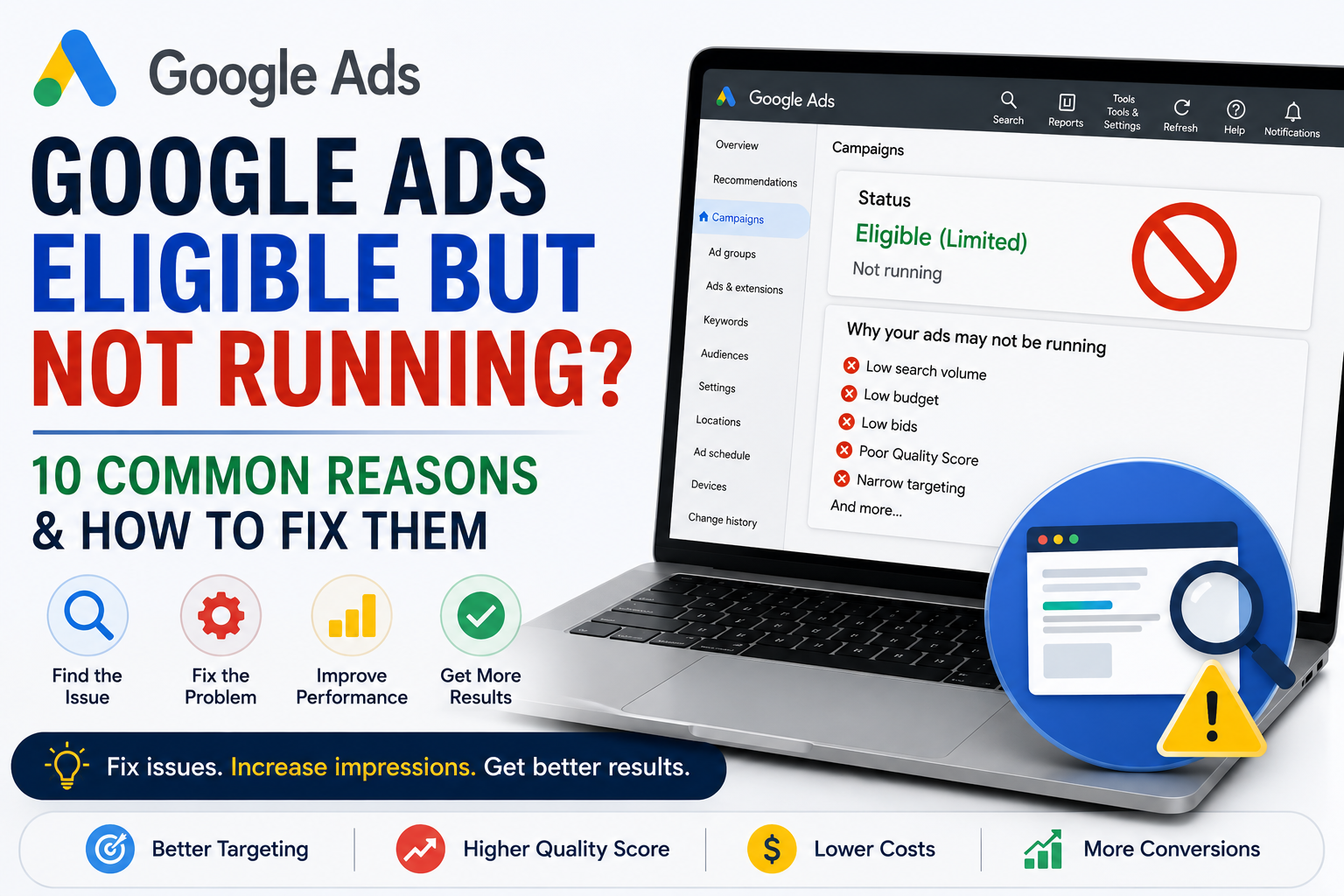
Google Ads Eligible but Not Running? If your ads are approved and marked as eligible but aren’t receiving impressions or clicks, you’re not alone. This is one of the most confusing situations advertisers face because everything appears to be set up correctly, yet your ads simply aren’t serving.
Fortunately, the “Eligible” status doesn’t always mean there’s a technical problem. It often points to issues such as low search volume, limited budgets, low Ad Rank, or campaign settings that prevent your ads from entering enough auctions. In this guide, we’ll explain the most common reasons your Google Ads are eligible but not running and how to fix them.
What Does “Eligible but Not Running” Mean?
The status means your ads are approved and can participate in Google Ads auctions, but they aren’t currently receiving impressions.
This usually happens because Google determines that other advertisers are winning the auction or there isn’t enough eligible traffic for your campaign.
10 Reasons Your Google Ads Are Eligible but Not Running
1. Your Keywords Have Low Search Volume
Some keywords simply don’t receive enough searches.
How to fix it
- Add related keywords.
- Use Keyword Planner.
- Avoid targeting extremely niche phrases only.
2. Your Budget Is Too Low
If your campaign is Limited by Budget, Google may stop serving ads early in the day.
How to fix it
- Increase your daily budget if campaigns are profitable.
- Reduce wasted spend.
- Improve Quality Score.
3. Your Bids Are Too Low
Your competitors may simply be bidding more.
How to fix it
- Increase bids on important keywords.
- Improve Ad Rank instead of relying only on higher bids.
4. Your Quality Score Is Poor
Low Quality Scores reduce your ability to compete in the auction.
Improve:
- Ad relevance
- Expected CTR
- Landing page experience
5. Your Targeting Is Too Narrow
Very restrictive settings can dramatically reduce impressions.
Review:
- Locations
- Languages
- Devices
- Audiences
6. Your Ads Are Scheduled Incorrectly
If your ad schedule only runs during limited hours, your campaigns may appear inactive.
Review your ad schedule and compare it with your customers’ search behaviour.
7. Your Campaign Is Still Learning
New campaigns and campaigns using Smart Bidding may temporarily serve fewer impressions while Google’s algorithms collect data.
This usually improves over time.
8. Competition Is Too High
Highly competitive industries often require stronger ads, better Quality Scores, and more competitive bids.
Focus on improving campaign quality rather than simply increasing spend.
9. Conversion Tracking or Bid Strategy Issues
Some automated bidding strategies rely heavily on conversion data.
If conversion tracking isn’t configured correctly, campaign delivery may be affected.
10. Your Account Needs Optimization
Sometimes several small issues combine to reduce campaign delivery.
Review:
- Keywords
- Ads
- Landing pages
- Search Terms Report
- Negative keywords
- Budget allocation
Common Mistakes
Avoid these common errors:
- Increasing bids without improving Quality Score
- Ignoring Search Impression Share
- Using only Broad Match keywords
- Targeting too many locations
- Assuming “Eligible” means Google guarantees impressions
Final Thoughts
If your Google Ads Eligible but Not Running, don’t assume there’s a technical problem. More often, the issue lies in budget, bids, Quality Score, targeting, or competition. By reviewing your campaign settings and optimizing the areas discussed above, you can increase impressions and improve overall performance.
If you’re still unsure why your campaigns aren’t serving, a professional Google Ads Audit can identify hidden issues and uncover opportunities to improve delivery and return on investment.
Frequently Asked Questions
Why are my Google Ads eligible but not getting impressions?
Common causes include low search volume, low bids, limited budgets, poor Quality Score, or highly restrictive targeting.
Does “Eligible” mean my ads will show?
No. It simply means your ads are approved to participate in auctions. Google still decides whether to show them based on competition and campaign quality.
Should I increase my bids?
Not always. Improving Quality Score, ad relevance, and targeting often delivers better results than increasing bids alone.
Can Quality Score stop my ads from running?
A low Quality Score can reduce your Ad Rank, making it more difficult for your ads to compete in auctions.