

- Introduction
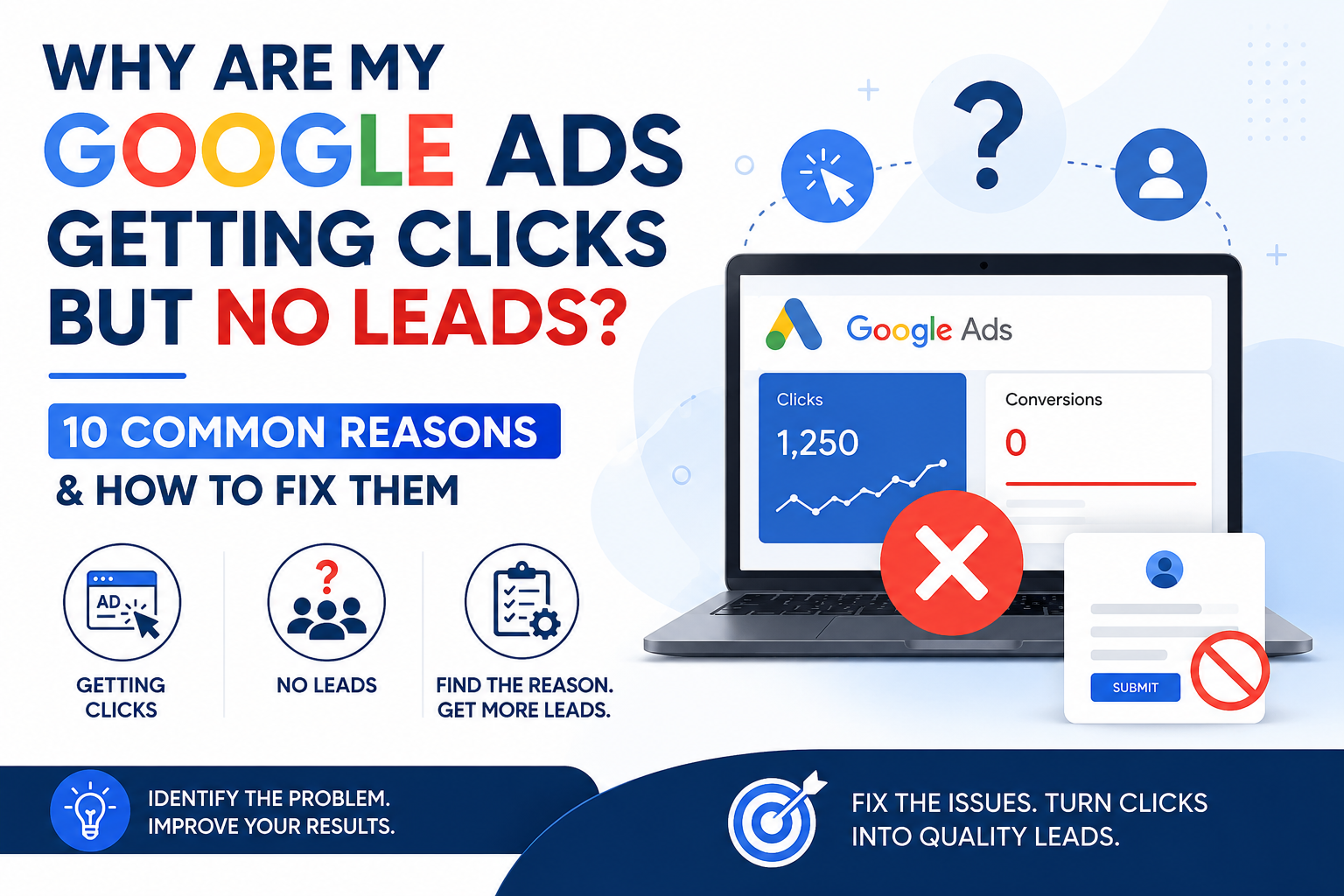
- Why Are Your Google Ads Getting Clicks but No Leads?
- 10 Common Reasons You’re Getting Clicks but No Leads
- How to Turn Clicks into Leads
- Frequently Asked Questions
- Final Thoughts
Introduction
If your Google Ads are getting clicks but no leads, you’re not alone. Many businesses invest in Google Ads only to find that visitors click their ads but never submit a form, call the business, or make a purchase.
Many businesses assume that if their Google Ads campaigns are generating plenty of clicks, leads and sales will naturally follow. Unfortunately, that’s not always the case.
Receiving clicks without generating enquiries, phone calls, purchases, or form submissions usually indicates a problem somewhere in the customer journey. The issue may not be your ads at all. It could be your landing page, keyword targeting, offer, website experience, conversion tracking, or even the audience you’re attracting.
The good news is that this problem can usually be diagnosed and fixed. By understanding why visitors are clicking but not converting, you can make targeted improvements that increase lead generation without necessarily increasing your advertising budget.
In this guide, we’ll explore the 10 most common reasons why your Google Ads are getting clicks but no leads and show you practical strategies to improve your conversion rate and maximize your return on investment.
Why Are Your Google Ads Getting Clicks but No Leads?
A click simply means someone found your ad interesting enough to visit your website. It doesn’t guarantee they’ll contact your business, request a quote, or make a purchase.
Generating leads requires every part of the customer journey to work together. Even if your ads are performing well, visitors may leave without converting if they encounter an irrelevant landing page, slow website, confusing navigation, poor offer, or a complicated enquiry process.
Successful Google Ads campaigns don’t focus only on generating traffic. They focus on attracting the right audience, providing a positive user experience, and making it easy for potential customers to take the next step.
The following sections explain the most common reasons why businesses receive plenty of clicks but very few leads—and what you can do to improve your campaign performance.
10 Common Reasons You’re Getting Clicks but No Leads
1. You’re Targeting the Wrong Keywords
Not every click is a potential customer. Broad or irrelevant keywords often attract visitors who aren’t looking for your products or services.
How to fix it:
- Focus on high-intent keywords.
- Add negative keywords regularly.
- Review your Search Terms Report every week.
2. Your Landing Page Doesn’t Match the Ad
If users click an ad expecting one thing but land on a page that doesn’t meet their expectations, they’re likely to leave without taking action.
How to fix it:
- Match your landing page to your ad copy.
- Deliver exactly what your ad promises.
- Keep messaging consistent from ad to landing page.
3. Your Offer Isn’t Compelling
Visitors need a reason to contact you instead of your competitors. If your offer doesn’t stand out, they’ll simply leave.
How to fix it:
- Highlight your unique selling points.
- Clearly explain the benefits.
- Include trust signals such as testimonials, reviews, or guarantees.
4. Your Website Is Slow
A slow-loading website frustrates users and increases bounce rates, especially on mobile devices.
How to fix it:
- Improve page speed.
- Compress images.
- Remove unnecessary scripts.
- Test your website on both desktop and mobile.
5. Your Call-to-Action Is Weak
Visitors shouldn’t have to guess what to do next.
How to fix it:
- Use clear Call-to-Action buttons.
- Make contact forms easy to find.
- Encourage visitors to call, enquire, or request a quote.
6. Your Forms Are Too Long
Every additional field increases the chance that visitors will abandon the form.
How to fix it:
- Ask only for essential information.
- Keep forms short and simple.
- Make the submission process quick and easy.
7. You’re Attracting the Wrong Audience
Good ads shown to the wrong audience still produce poor results.
How to fix it:
- Review your audience targeting.
- Refine location targeting.
- Exclude audiences that aren’t relevant.
- Schedule ads during your best-performing hours.
8. Your Conversion Tracking Isn’t Working
Sometimes leads are being generated, but they’re not being recorded correctly.
How to fix it:
- Verify your conversion tracking.
- Test contact forms and phone call tracking.
- Ensure GA4 and Google Ads conversions are configured correctly.
9. Your Ads Create the Wrong Expectations
Clickbait headlines or misleading offers may increase clicks but often reduce lead quality.
How to fix it:
- Write accurate ad copy.
- Clearly describe your products or services.
- Set realistic expectations before visitors click.
10. You’re Not Optimising Your Campaigns Regularly
Google Ads campaigns require ongoing optimisation. Markets change, competitors change, and customer behaviour changes.
How to fix it:
- Review campaign performance every week.
- Test new ad copy.
- Improve landing pages.
- Analyse conversion data.
- Continuously optimise based on results.
How to Turn Google Ads Clicks into Leads
If your Google Ads campaigns are generating clicks but very few leads, resist the urge to increase your budget immediately. More traffic won’t solve the problem if your website isn’t converting visitors into customers.
Instead, review the entire customer journey—from the keyword that triggered the ad to the final conversion action.
Review Your Search Terms
Check your Search Terms Report to ensure you’re attracting users with genuine buying intent. Add negative keywords to eliminate irrelevant searches and focus your budget on qualified traffic.
Improve Your Landing Pages
Your landing page should match the message in your ad and clearly explain your product or service. Make it easy for visitors to understand your offer and take the next step.
Strengthen Your Call-to-Action
Tell visitors exactly what you want them to do. Whether it’s requesting a quote, booking a consultation, or calling your business, your Call-to-Action should be clear, visible, and persuasive.
Simplify Your Contact Forms
Reduce unnecessary form fields and make the enquiry process as simple as possible. The easier it is to contact you, the more likely visitors are to convert.
Verify Your Conversion Tracking
Before making campaign changes, confirm that your conversion tracking is working correctly. Missing or inaccurate tracking can make successful campaigns appear unsuccessful.
Test and Optimise Continuously
Improving conversion rates is an ongoing process. Regularly test headlines, landing pages, offers, forms, and calls-to-action to identify what generates the most qualified leads.
By combining relevant keywords, compelling ads, high-converting landing pages, and accurate conversion tracking, you can turn more of your Google Ads clicks into valuable business enquiries without simply increasing your advertising budget.
Frequently Asked Questions
Why am I getting clicks but no leads from Google Ads?
This usually indicates an issue after the click rather than with the ads themselves. Common causes include poor landing pages, irrelevant keywords, weak offers, complicated contact forms, or incorrect conversion tracking.
Can a landing page affect my Google Ads conversions?
Yes. Even the best-performing ads won’t generate leads if the landing page is slow, confusing, or doesn’t match the user’s search intent. A well-optimized landing page is essential for improving conversion rates.
How do I know if I’m attracting the wrong audience?
Review your Search Terms Report, audience targeting, and location settings. If you’re receiving irrelevant clicks or visitors who quickly leave your website, your targeting may need refinement.
Should I increase my Google Ads budget if I’m not getting leads?
Not immediately. Increasing your budget will likely generate more clicks, but it won’t solve the underlying issue. It’s better to identify why visitors aren’t converting before spending more on advertising.
Can poor conversion tracking make it look like I’m getting no leads?
Yes. If conversion tracking isn’t configured correctly, leads may not be recorded in Google Ads or GA4, making successful campaigns appear unsuccessful.
How often should I optimise my Google Ads campaigns?
Review your campaigns at least once a week. Regularly monitor keywords, search terms, landing pages, conversion tracking, and campaign performance to identify opportunities for improvement.
Final Thoughts
Getting clicks but no leads can be frustrating, but it’s usually a sign that something in your customer journey needs improvement rather than a problem with Google Ads itself.
By reviewing your keywords, audience targeting, landing pages, calls-to-action, forms, and conversion tracking, you can identify the obstacles preventing visitors from becoming customers. Small improvements across multiple areas often lead to significant increases in lead generation and return on investment.
If you’re struggling to turn clicks into qualified leads, SEM Genie can help. Whether you need a Google Ads Audit, PPC Consulting, or Google Ads Management, we’ll identify what’s holding your campaigns back and provide practical recommendations to improve performance.