

Introduction
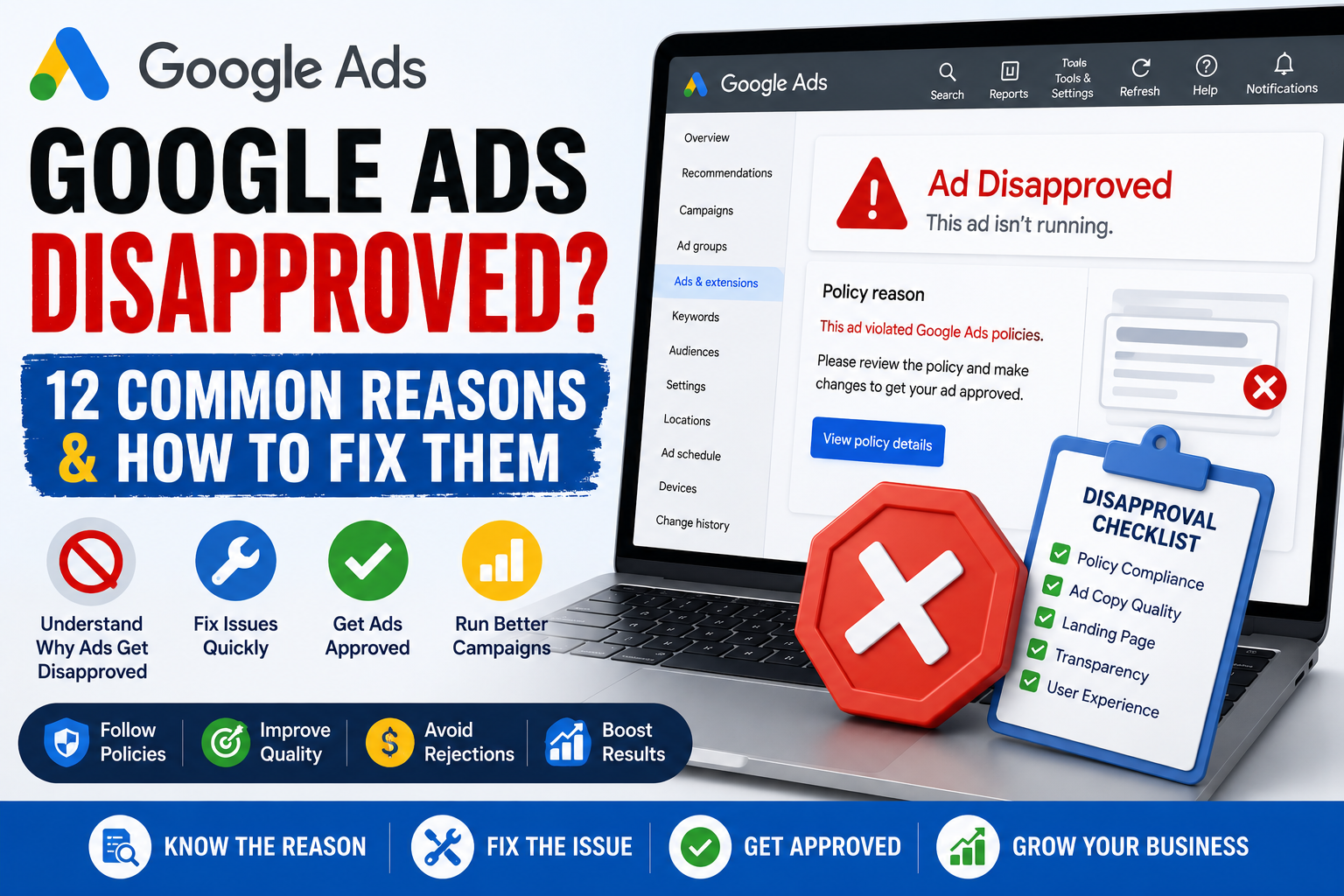
Google Ads Disapproved? Seeing your ads rejected by Google can be frustrating, especially when your campaign is ready to launch. A disapproved ad won’t appear on Google Search, YouTube, Gmail, or the Display Network until the issue is resolved. Fortunately, most disapprovals are easy to fix once you understand Google’s advertising policies. In this guide, we’ll explain the most common reasons ads are disapproved and the steps you can take to get them approved quickly.
What Does Google Ads Disapproved Mean?
A disapproved ad has failed Google’s policy review and cannot run until the issue is corrected.
Google reviews every ad to ensure it complies with its advertising policies and provides a safe experience for users.
12 Reasons Your Google Ads Were Disapproved
1. Misleading or False Claims
Avoid exaggerated promises such as:
- Guaranteed #1 Rankings
- Instant Results
- 100% Success Guaranteed
Always make realistic, verifiable claims.
2. Destination Doesn’t Work
Google checks your landing page.
Common problems include:
- Broken pages
- 404 errors
- Slow loading
- Redirect loops
3. Malware or Unsafe Website
Your website must be secure and free from malware.
Always use HTTPS.
4. Trademark Issues
Using another company’s trademark incorrectly may lead to disapproval.
5. Editorial Errors
Simple mistakes can trigger disapprovals.
Examples:
- Excessive CAPITAL LETTERS
- Too many !!!!!!!!
- Poor grammar
- Spelling mistakes
6. Restricted Products or Services
Certain industries have additional advertising restrictions.
Examples include:
- Healthcare
- Financial services
- Gambling
- Alcohol
- Adult content
7. Unacceptable Business Practices
Google may reject ads that hide important information or use deceptive practices.
8. Mismatched Landing Page
Your landing page should clearly match your ad’s message and offer.
9. Destination Not Crawlable
Google must be able to access your landing page during review.
10. Policy Violations
Review Google’s advertising policies carefully before publishing new ads.
11. Repeated Violations
Accounts with multiple policy violations may face stricter reviews or account suspension.
12. Account Verification Issues
Some advertisers must complete identity verification before ads can run.
How to Fix Google Ads Disapproved
- Read the policy reason carefully.
- Update your ad or landing page.
- Save the changes.
- Resubmit the ad for review.
- Contact Google Ads Support if necessary.
How Long Does Review Take?
Most ads are reviewed within one business day, although complex cases may take longer.
Common Mistakes
Avoid these mistakes:
- Ignoring the policy explanation.
- Repeatedly submitting the same ad.
- Creating duplicate ads without fixing the issue.
- Using misleading headlines.
- Sending users to poor landing pages.
Final Thoughts
If your Google Ads Disapproved, don’t panic. Most disapprovals are caused by editorial issues, landing page problems, or policy violations that can be corrected quickly. Understanding Google’s advertising policies and following best practices will help you reduce future disapprovals and keep your campaigns running smoothly.
If you’re unsure why your ads continue to be rejected, a professional Google Ads Audit can identify compliance issues, improve campaign quality, and help you get back online faster.
Frequently Asked Questions
Why were my Google Ads disapproved?
Common reasons include editorial mistakes, policy violations, broken landing pages, misleading claims, or restricted content.
Can I appeal a Google Ads disapproval?
Yes. After fixing the issue, you can resubmit your ad or request a review if you believe the decision was incorrect.
How long does Google Ads review take?
Most ads are reviewed within one business day, although some reviews may take longer.
Will a disapproved ad affect my account?
An occasional disapproved ad usually won’t. However, repeated policy violations may lead to account restrictions or suspension.