

Introduction
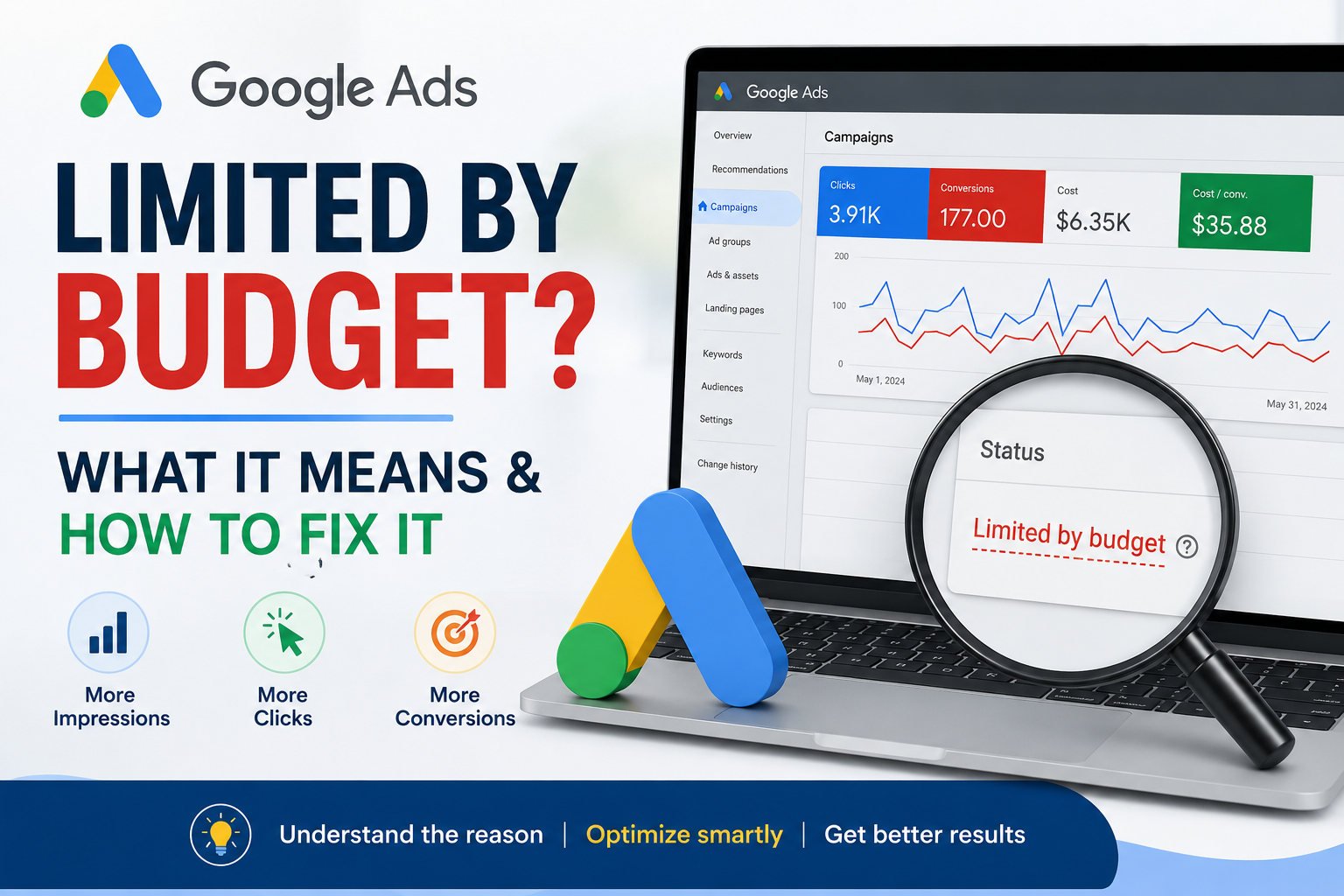
Google Ads Limited by Budget? If you’ve noticed this status in your Google Ads account, it means your campaign’s daily budget isn’t high enough to capture all available traffic. While this isn’t always a problem, it can reduce impressions, clicks, and conversions if your campaigns are performing well. In this guide, we’ll explain what the status means, why it appears, and how to decide whether increasing your budget is the right move.
What Does “Limited by Budget” Mean?
Google displays this status when your campaign is eligible to receive more traffic than your daily budget allows. Once your daily budget is exhausted, Google reduces or stops serving your ads until more budget becomes available.
Why Is My Google Ads Limited by Budget?
Common reasons include:
- Daily budget is too low
- High search volume
- High Cost Per Click (CPC)
- Low Quality Score
- Broad keyword targeting
- Highly competitive industry
- Too many active campaigns sharing the budget
How to Check If Budget Is Really the Problem
Before increasing your budget, review:
- Search Impression Share Lost (Budget)
- Search Impression Share
- Cost Per Conversion (CPA)
- Conversion Rate
- Return on Ad Spend (ROAS)
If your campaign is already profitable, increasing the budget may help generate more conversions.
8 Ways to Fix Google Ads Limited by Budget
1. Increase Your Daily Budget
If the campaign is profitable, increasing the budget can capture additional qualified traffic.
2. Improve Quality Score
Higher Quality Scores often reduce CPC, allowing your budget to go further.
3. Reduce High CPC Keywords
Pause or optimize expensive keywords that deliver poor results.
4. Add Negative Keywords
Prevent irrelevant searches from consuming your budget.
5. Refine Location Targeting
Focus on locations that generate the best return.
6. Use Ad Scheduling
Run ads during your highest-converting hours.
7. Improve Landing Pages
Higher conversion rates mean you need fewer clicks to generate the same number of leads.
8. Review Bid Strategy
Choose a bidding strategy that matches your campaign goals and performance.
Should You Increase Your Budget?
Increase your budget when:
- Your CPA is profitable.
- Your campaign has strong conversion rates.
- Search Impression Share Lost (Budget) is high.
- You’re consistently hitting your daily budget.
Don’t increase your budget if the campaign isn’t converting. Fix performance issues first.
Common Mistakes
- Increasing budget before improving conversions
- Ignoring Quality Score
- Targeting overly broad keywords
- Focusing on clicks instead of profitable conversions
Final Thoughts
A Google Ads Limited by Budget status isn’t necessarily bad, it simply means demand exceeds your allocated budget. Before spending more, ensure your campaign is optimized for Quality Score, targeting, landing pages, and conversions. Once those fundamentals are in place, increasing your budget can help scale results efficiently.
Frequently Asked Questions
What does Google Ads Limited by Budget mean?
Yes. A higher Quality Score can reduce CPC, allowing your budget to reach more potential customers.
Is Limited by Budget bad?
Not always. If your campaign is profitable, it may simply indicate an opportunity to scale.
Should I increase my Google Ads budget?
Only if your campaign is generating profitable conversions. Otherwise, optimize performance first.
Can Quality Score affect Limited by Budget?
Yes. A higher Quality Score can reduce CPC, allowing your budget to reach more potential customers.